Composing Photos with Copy Space for Headlines and Graphic Overlays
Reserve useful room for text before shooting, then prove that the same photo can support the intended desktop and mobile layouts.
Content updated:

Start with the message, not an empty corner
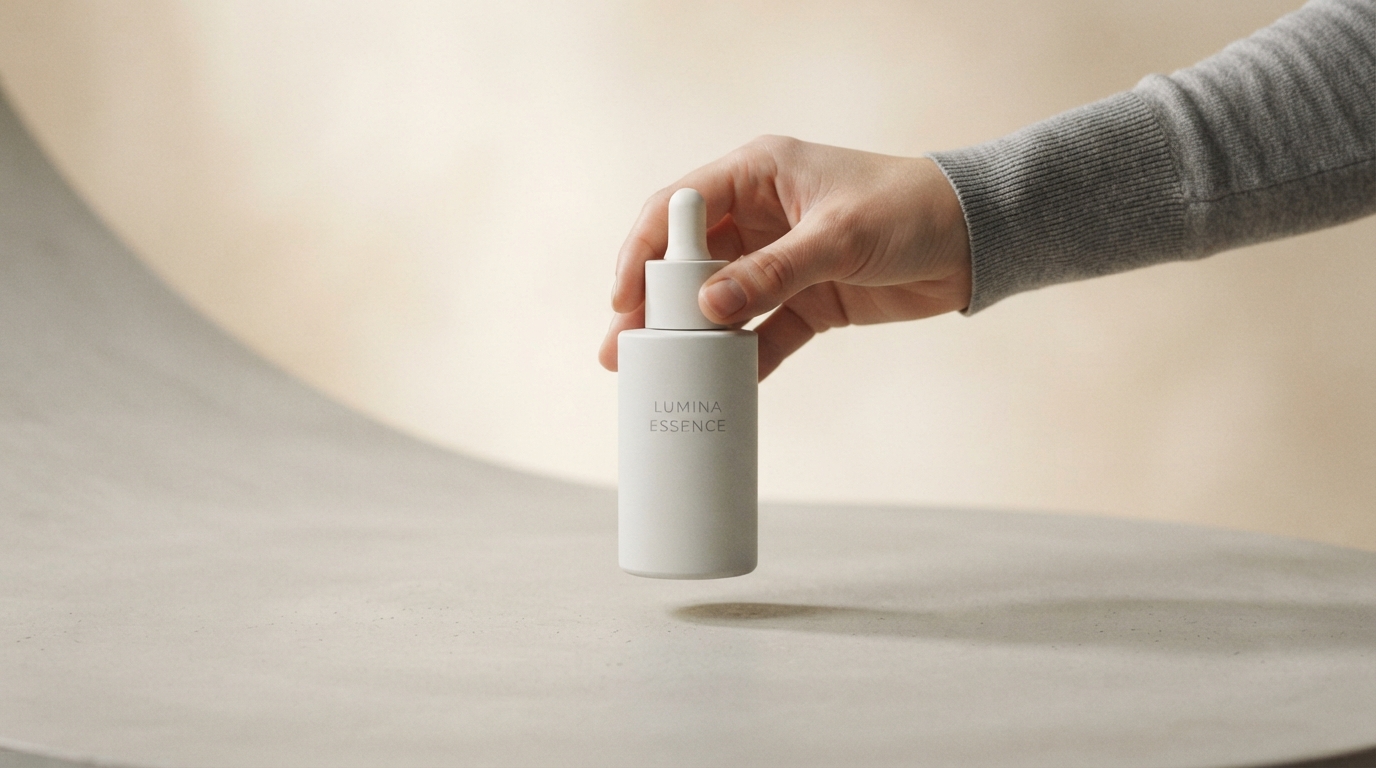
Copy space is the part of a photograph reserved for a headline, label or other message. Useful copy space has enough room, a manageable background and separation from the subject. An empty sky may still fail if bright clouds run through the planned lettering.
Write the approximate headline and decide whether the final layout is wide, square or vertical before taking the photograph. A long headline needs a different area from a short product name. For a website, live text beside the photo is often easier to adapt than text permanently drawn into the image.
Capture more than one arrangement
For an illustrative mug promotion, take one frame with the mug on the right and clear space on the left. Take a second with the mug lower in the frame and room above it. These are candidate compositions for a wide banner and a narrow cover, not promises that one photo fits every format.
Leave a margin around the handle and rim. Avoid placing props in the text area merely to fill it. Keep both source files so you can choose a genuinely better composition rather than erase useful parts of the subject later.
Check the background along the full line of text
A text line may cross several tones even when the overall background looks plain. Look for a bright reflection, a dark edge or a strong pattern directly beneath the expected letters. Move the camera, adjust the subject or simplify the background if those transitions compete with the message.
Depth-of-field blur can make a background quieter, but it is not a guarantee of readable text. A blurred scene can still contain large patches of light and dark. A solid text panel or a separate live-text area gives more predictable contrast.
Test an actual crop and a temporary headline
From an illustrative 4000 × 3000 source, a 16:9 selection using the full width keeps 4000 × 2250 pixels. Position that selection so it retains both the mug and the intended text area. The crop geometry tells you what is available; it does not prove that the photograph's composition succeeds.
Place the real headline in a temporary copy using the text tool. Check separation from the subject, line breaks and edge margins. Then try the narrow layout. If the text becomes tiny or covers the product, switch to the second photograph or place the text outside the image.
Keep the layout editable
Save the clean photograph and the final graphic separately. A later translation may use more characters, and an Arabic layout may need different placement. Having a clean source makes that change possible without covering old baked-in lettering.
Inspect the final design at its real displayed width, not only enlarged in the editor. Give the headline and the product enough room to be independently recognizable. For web content, provide the meaningful text in the page as well so it remains accessible when the image is not available.
Prove copy space with the real headline
A guided exercise, not a benchmark. Inspect your own output; results depend on the source and settings.
- Choose or take two subject placements with different clear areas.
- Crop one copy for a wide layout and another for a narrow layout.
- Add the actual headline to temporary versions and inspect them at intended display size.
- Keep the clean sources and approve only layouts where both the text and complete subject remain readable.
The output should have a usable text area after cropping, with no accidental contact between the lettering and the subject. A balanced full-size preview alone is insufficient.
Try an idea and review your result before saving your edits.