A sharper perspective on images.
Practical guides, thoughtful ideas and clear explanations for your next creative project.

Redact Sensitive Information in Images and Inspect the Export
Cover selected pixels with solid redaction, review the whole image and check the downloaded copy before sharing it.
Ideas worth your time45
Redact Sensitive Information in Images and Inspect the Export
Cover selected pixels with solid redaction, review the whole image and check the downloaded copy before sharing it.

Designing Readable Thumbnails: Composition, Contrast and Small-Size Checks
Build a thumbnail with a clear subject and readable caption, then test the exported image at the size viewers will encounter.

Adjust Brightness, Contrast and Saturation While Keeping Visible Detail
Use three reference areas to judge tonal changes, compare against the original and stop before an edit hides useful texture.

Converting HEIC Photos for the Web: Orientation, Color and Compatibility Checks
Prepare a compatible JPEG from a phone photo, check orientation and color, then resize or compress it for the destination.

Choose Product Backgrounds That Preserve the Product
Use background contrast and restrained shadows while checking that a new backdrop does not alter shape, color or scale.

Resize, Compress or Convert? Choose the Operation That Solves the Limit
Match width, bytes and format to the right control, then verify all three properties in the exported copy.

Keep a Blog Featured Image Understandable on Mobile
Test how your actual theme crops the subject, simplify small-screen composition and check the published card.
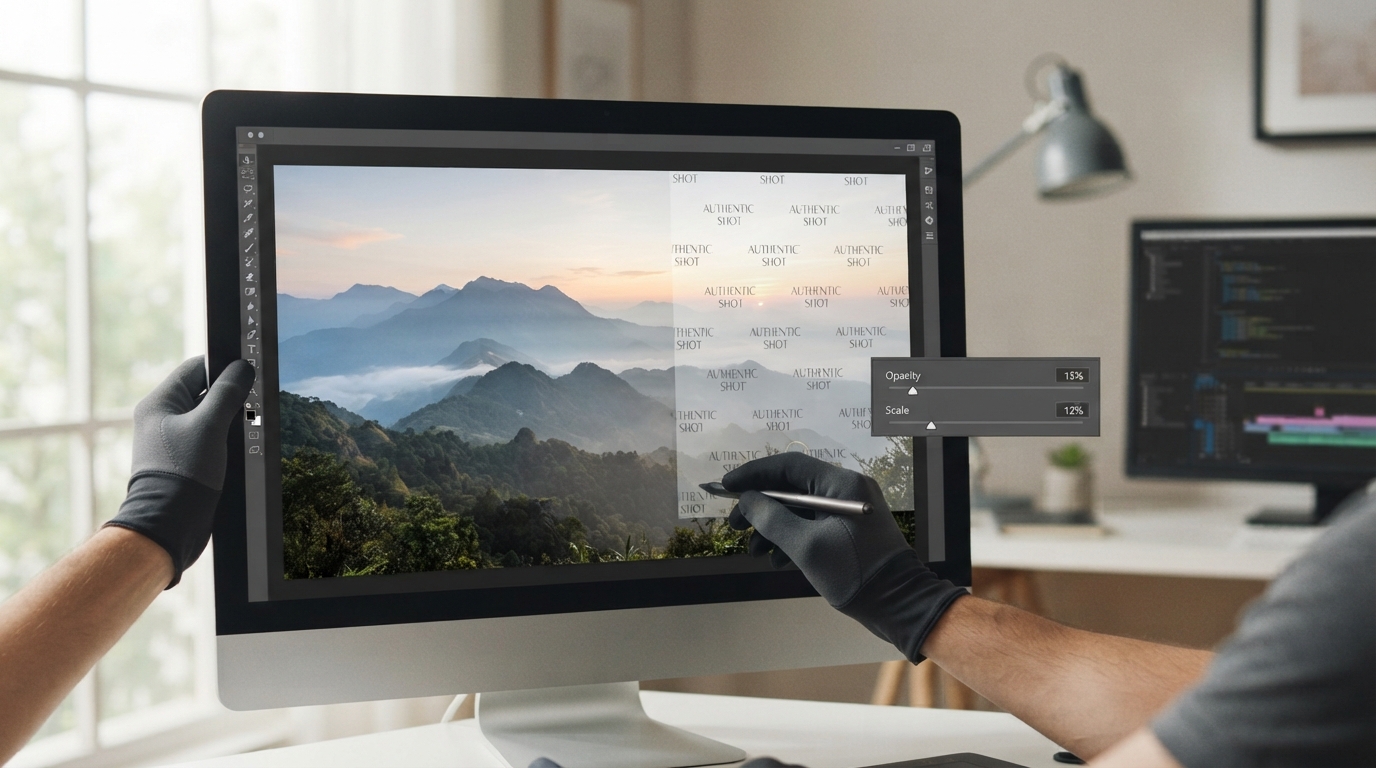
Add a Readable Watermark Without Hiding the Subject
Use the text-watermark controls to compare placement, opacity and size on the actual exported image.

Inspect Cutout Edges: Hair, Fabric and Product Halos
Find missing subject pixels and leftover background with contrasting previews, then refine the mask without shaving away useful detail.