Real-Time Image Editing: How to Judge Responsiveness and Control
Evaluate live previews, undo behavior, processing delays and full-resolution exports before relying on an interactive editor.
Content updated:
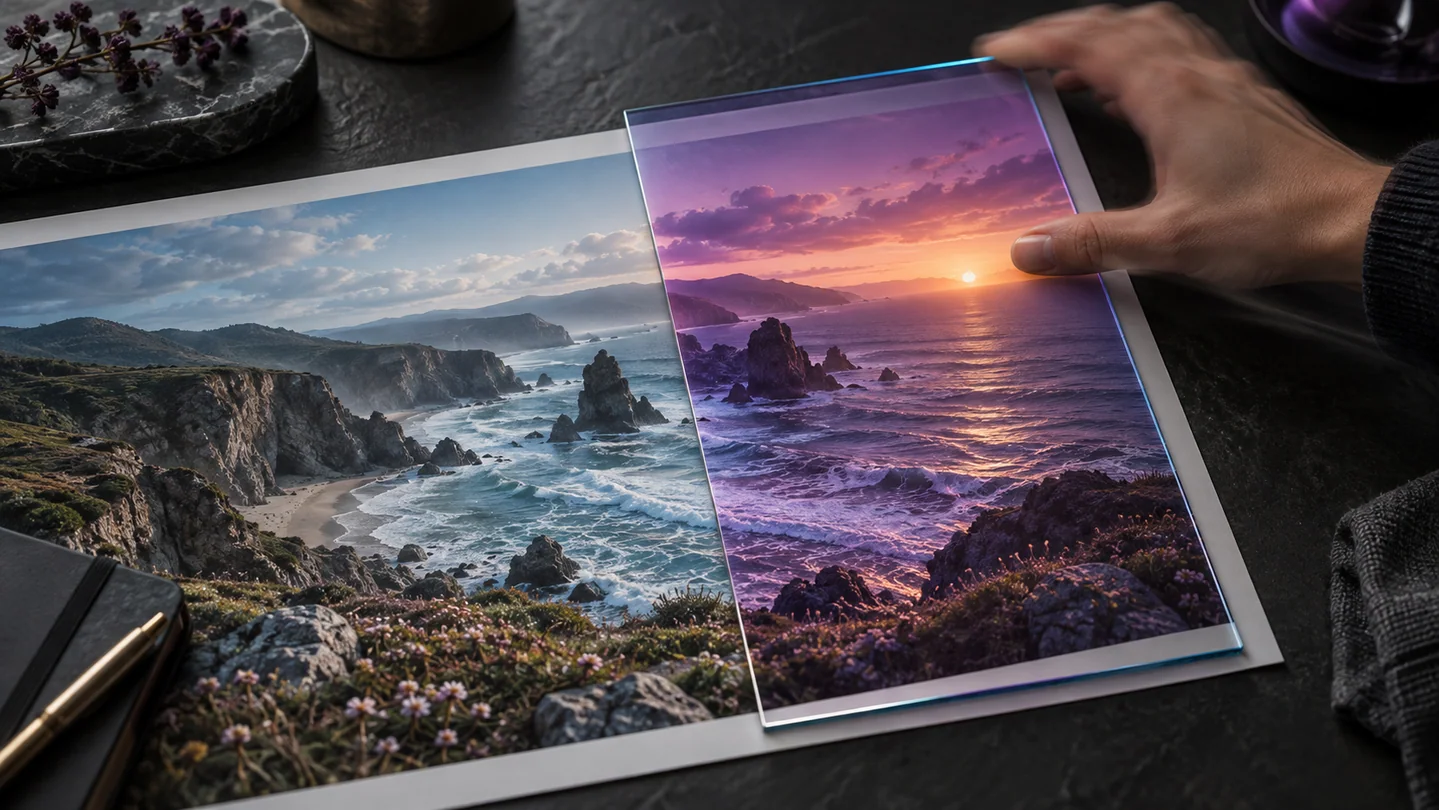
Define what real-time means for your task
An editor can move a slider smoothly yet take longer to export the final image. It may show a reduced-resolution preview while keeping the full image for output. These are different stages, so a quick preview does not prove that a large batch will finish quickly.
Decide what matters: dragging a crop without losing control, adjusting color while comparing detail, or completing a set of exports. Test those actions on representative files. A brochure claim about real-time editing cannot substitute for this device-specific check.
Separate preparation from repeat use
Some tools need to download a model or initialize a processing engine before the first operation. TheImageIs background-removal workflow, for example, can require a substantial initial model download. That wait is different from the time needed to process a later image in the same session.
Record preparation time and operation time separately if you compare tools. Use the same source and output dimensions. Repeat a small task after preparation, and avoid describing the faster second result as the complete first-use experience.
Prefer reversible, inspectable changes
A useful editor makes it clear which image is selected, which changes are only previews and which have been applied. In Image Studio, test a small adjustment, apply it and use Undo before committing a batch. Confirm that the expected image changed.
Natural-language and generative controls are possibilities in the wider editing field, not public features promised here. TheImageIs currently provides explicit editing controls; its enlargement tool resamples pixels rather than generating missing detail. Choose an interface whose actual operations match the job.
Understand what local processing does and does not imply
Browser processing can keep the editing operation on the device, but local execution is not the same as unlimited memory or no network use. Loading the application, downloading models and displaying other web resources can still require a connection. Read the tool's actual processing description.
Web Workers can move supported computations off a page's main thread, as documented by MDN. They do not make every operation instantaneous. Large images still require memory, and device performance matters. A responsive interface should also make progress and errors understandable.
Run a small acceptance test
Use one ordinary photograph and a larger source from your normal work. Note whether crop movement follows your input, whether Undo restores the prior appearance, and whether an exported copy has the dimensions you requested. Measure elapsed times only if you actually record them.
After the export, reopen the file separately and compare it with the preview. A fast editor is useful only if its final result is correct and recoverable. Retain the originals and increase batch size gradually after the small trial succeeds.
Test preview, undo and export separately
A guided exercise, not a benchmark. Inspect your own output; results depend on the source and settings.
- Load a representative image and note whether any first-use preparation is required.
- Move a crop or brightness control, apply a small change and verify that Undo restores the previous image.
- Export at a specified size and reopen the downloaded file.
- Repeat with a larger source and record observed delays, errors and dimensions without generalizing beyond that device.
The selected image, applied change, Undo result and downloaded dimensions should all agree. Report actual timings only when you measured them.
Sources & further reading
Try an idea and review your result before saving your edits.