Computational Photography Inside Your Phone: What to Check Before Editing
Understand why a phone photo may already contain substantial processing, then compare the source and export before adding more adjustments.
Content updated:
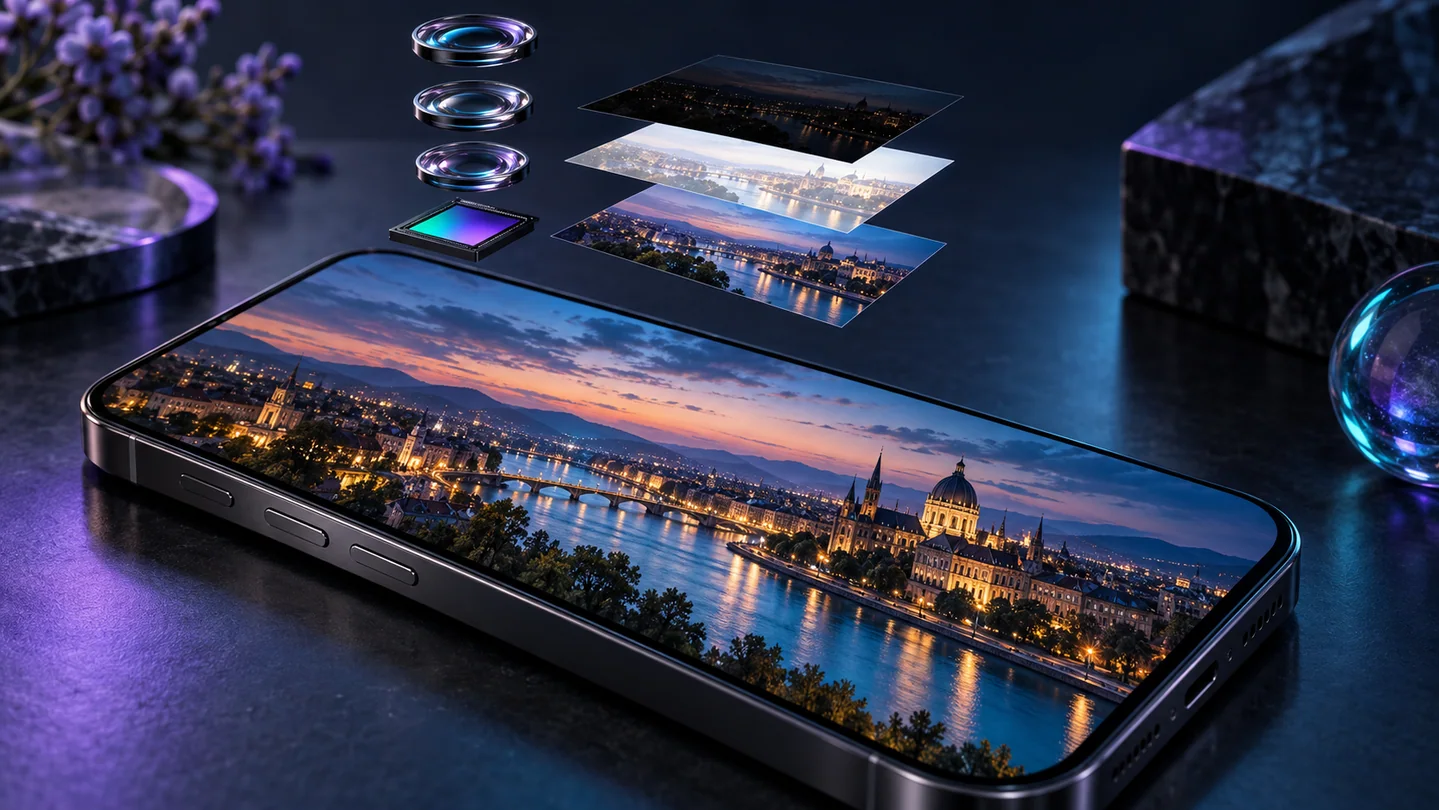
One finished photograph can combine several observations
Computational photography uses software to form a finished image from the captured data. Google's documented HDR+ pipeline is one example: it aligns and merges a burst of frames. Other phones and modes make different choices, so the exact pipeline cannot be inferred simply from the word smartphone.
This matters when editing because the delivered photograph may already have adjusted noise, tone and detail. You are often modifying a processed result, rather than starting with an untouched single sensor exposure.
Inspect moving edges and fine boundaries
Before applying filters, inspect hair against a bright background, a moving hand, thin branches and text on a label. Note anything that already looks doubled, unusually smooth or strongly outlined. These observations establish a baseline for later comparison.
In an illustrative indoor portrait, a soft hair boundary may result from focus, motion or processing. The appearance alone cannot reliably identify the cause. Avoid treating every flaw as proof of AI invention or assuming that a stronger sharpening setting will repair it.
RAW is not a universal no-processing switch
Apple states that ProRAW combines RAW-format information with iPhone image processing. It provides more editing flexibility, but that does not mean every computational step is absent. RAW capabilities and app rendering vary by device and mode.
TheImageIs is intended for browser-readable image editing, not RAW development. Develop a supported working copy with a suitable camera or photo application first. Preserve the source separately if you may need to revisit white balance, tone mapping or another development decision.
Try a controlled capture comparison
Photograph a still object with small printed text and a textured surface under steady lighting. Keep the viewpoint fixed and compare two available capture modes or processing choices. Record the phone, mode and source dimensions. This is a proposed exercise, not a device benchmark.
Inspect both images at a matched displayed size and then at 100%. If the modes use different resolutions, say so in the comparison. Do not attribute every difference to one algorithm when exposure, focus or processing may also have changed.
Edit conservatively and check the destination
Use small brightness, contrast and saturation changes, comparing with the unedited working copy. Check the same label and texture after each step. If an edge already has a halo, increasing contrast may emphasize it rather than add useful detail.
Export the intended web format and reopen it outside the phone gallery. Gallery apps and browsers can render HDR or color differently. The final destination's version is the relevant publishing check, while the retained original remains your reference.
Compare a phone source and its edited web copy
A guided exercise, not a benchmark. Inspect your own output; results depend on the source and settings.
- Take a still-life photo containing a label, textured material and a bright background.
- Record the capture mode and inspect the source for halos, softness and doubled edges.
- Apply one small adjustment at a time in the Photo Editor.
- Export a web copy and compare the same regions with the source at matched display sizes.
Record whether a defect was present before editing and whether the export makes it more visible. This exercise cannot isolate a phone algorithm or certify recovered detail.
Sources & further reading
Try an idea and review your result before saving your edits.