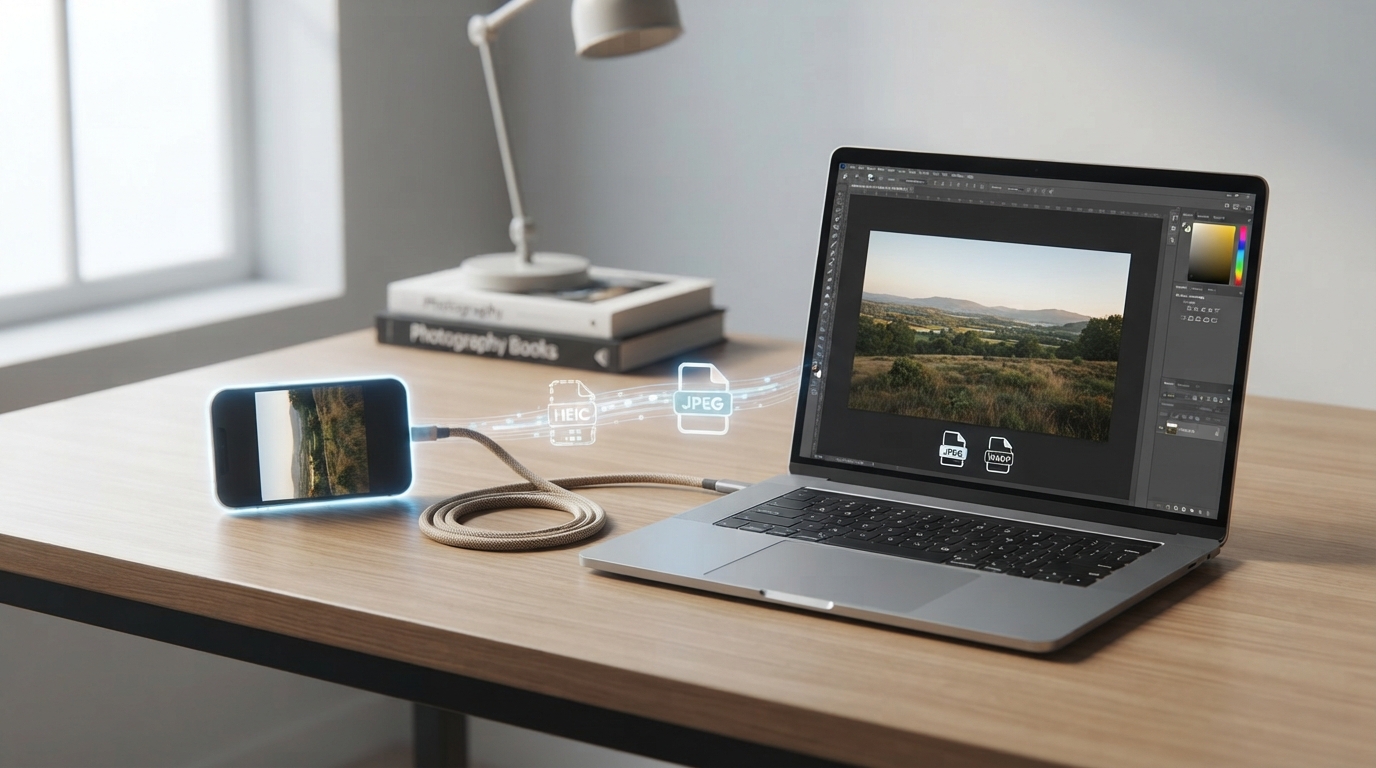
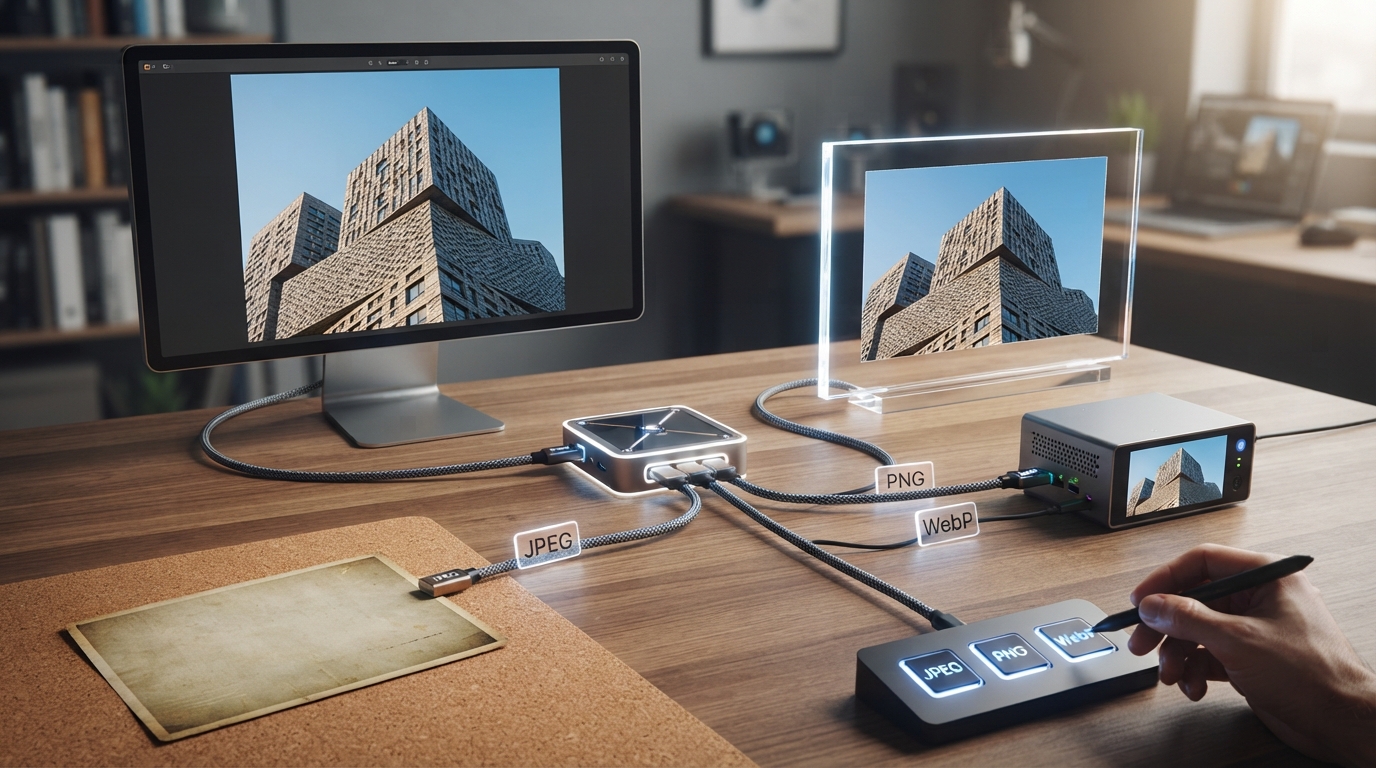
Choose JPG, PNG, WebP or AVIF by Testing Your Actual Image
Compare accepted formats, transparency and visible detail at the same dimensions instead of assuming one format always wins.
Content updated:
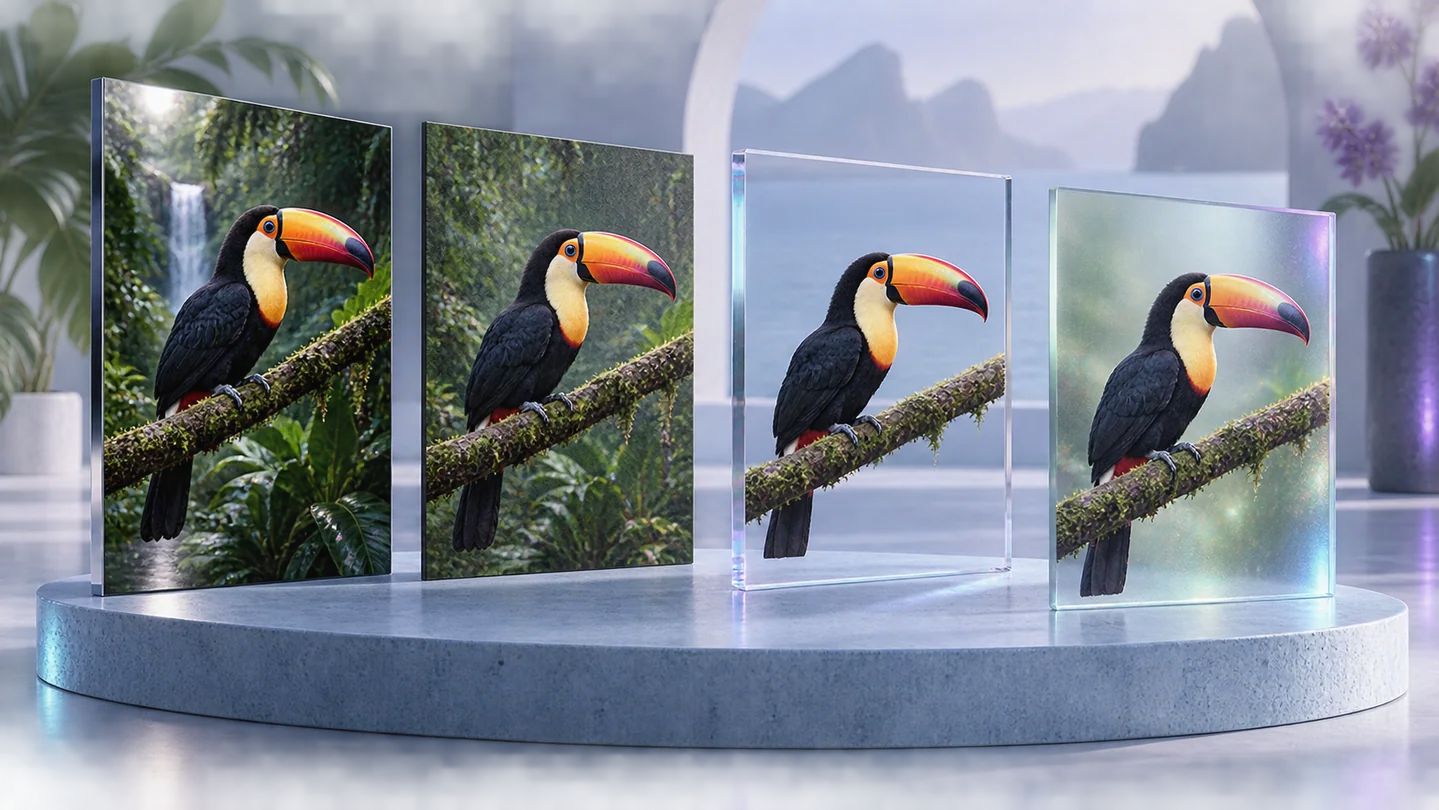
Start with the destination and the content
If a submission form accepts only JPG, that requirement determines the delivery format. For a website you control, you can compare alternatives. Keep the master separately so a delivery decision does not remove the only high-quality source.
JPG is a practical candidate for photographs. PNG stores a raster image losslessly and can include transparency, making it useful for a diagram or clean graphic. Lossless storage preserves the pixels being encoded; it cannot restore detail already lost before conversion.
Separate a format's capability from this export
WebP supports lossy and lossless encoding, transparency and animation. Those capabilities do not mean every editor exposes every mode. Image Studio provides browser encoding and quality controls; it is not a dedicated lossless-WebP encoder interface.
AVIF may be available when the current browser supports encoding it. A browser's ability to display an AVIF file does not by itself prove it can export one. Use the formats offered by the interface, and read any unsupported-export message. This image workspace creates still outputs, so do not assume an animated source will retain its frames.
Run a fair three-copy comparison
Use one photograph and one text-heavy graphic you can inspect closely. From each original, keep the same pixel dimensions and export a PNG reference, a JPG candidate and a WebP candidate where supported. For the graphic, also check transparent edges on a colored background.
Record actual bytes beside each filename and examine the same detail in every copy. A quality value of 80 in two formats does not establish equal visual quality. Adjust each candidate until it meets your needs, then compare the bytes. Do not substitute an expected percentage saving for this measurement.
Choose the smallest acceptable delivery copy
For the photograph, look at hair, texture and smooth gradients. For the graphic, look at small lettering, thin lines and edge halos. If transparency is essential, reject the opaque JPG even if it is smallest. If the receiving application rejects WebP or AVIF, its byte advantage does not solve the delivery problem.
Reopen the chosen file in the intended viewer or upload preview. Save the measured result and settings with the source, since another image can favor a different choice. A format decision is complete when both the content and the destination work.
Compare formats at identical dimensions
A guided exercise, not a benchmark. Inspect your own output; results depend on the source and settings.
- Use a non-sensitive photo or graphic and preserve its original.
- Export PNG, JPG and WebP copies where supported without changing dimensions.
- Record the actual bytes and inspect identical text, edges or texture regions.
- Open the preferred file in the intended viewer and verify transparency when needed.
The chosen format is accepted by the destination and preserves the necessary detail; the file-size comparison is based on actual downloads.
Sources & further reading
Try an idea and review your result before saving your edits.