Why Text and Crisp Graphics Look Blurry After Compression
Separate resizing damage from compression artifacts, compare PNG with lossy exports and inspect the edges that matter.
Content updated:

Find the stage that changed the edges
Compare the master, the resized working image and the final compressed export separately. If text is already soft after resizing, raising export quality will not recreate its former sharpness. If the working image is crisp but the export has halos, compression is a more likely contributor.
Check pixel dimensions as well as file bytes. A 1200 × 630 file can be heavily compressed, and a small PNG can still be large in bytes. Neither dimension count nor file size alone describes whether the lettering is readable.
Understand the format trade-off
Lossy encoding changes image information to reduce bytes. Around sharp lettering it may produce ringing, small blocks or colored fringes. Google documents that lossy WebP uses 4:2:0 chroma sampling; there is no lossy-WebP 4:4:4 option to enable in this site's browser exporter.
PNG stores its encoded pixel data without lossy compression. It is compressed, not an uncompressed file format. Lossless WebP also exists, but TheImageIs browser quality slider should not be treated as a dedicated lossless-WebP or chroma-subsampling control. Choose PNG when you need a straightforward lossless comparison.
Build a repeatable edge test
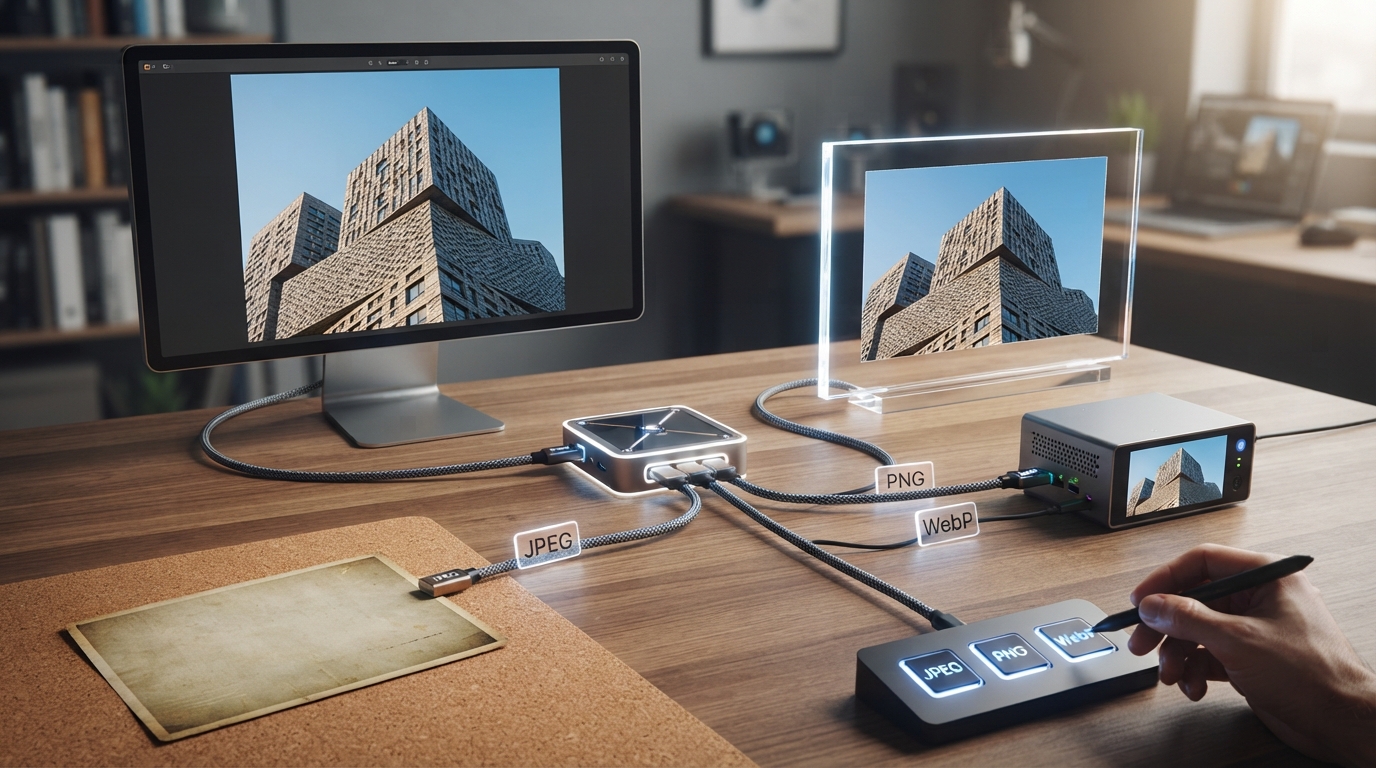
Create a practice graphic with dark text on white, red text on a dark patch, a diagonal line and a small photographic area. Use invented wording. Keep the source, then export PNG, JPG and WebP at identical dimensions where supported.
Record each file's actual bytes and settings. Inspect letter counters, punctuation and the red text at 100% and at the intended display width. This is a proposed comparison exercise; there is no claimed winner or measured byte saving until you run it on your own graphic.
Reduce the right thing when the file is too large
For a mixed photo-and-text card, try reducing unnecessary photo dimensions or simplifying the layout before forcing very low quality. If the small text is essential, a slightly larger PNG may be preferable to a smaller file with unreadable instructions.
On a website, keep headings and interface labels as live text when practical and export the photograph separately. That gives the text independent scaling and avoids baking all of it into the photograph's compression trade-off. For a single social graphic, shorten the text or increase its displayed size.
Return to the master for each candidate
Generate every comparison from the same master. Opening a compressed result and exporting another lossy copy can add further damage and makes the comparison harder to interpret. Converting that damaged copy to PNG prevents another lossy encode but cannot undo existing artifacts.
Choose the smallest candidate that preserves the required edge detail at the intended size. Record where it fails as well as where it succeeds. A format choice should follow that image's content and destination rather than a universal rule about a quality number.
Compare lettering across three exports
A guided exercise, not a benchmark. Inspect your own output; results depend on the source and settings.
- Make a non-private practice graphic containing fine text, a colored label, a diagonal line and a photographic area.
- Export PNG, JPG and WebP copies at the same dimensions from the original.
- Record file bytes and inspect the same lettering and line edges in each copy.
- Choose an output only after reading all required text at the intended display width.
Compare actual edge appearance and bytes. The browser exporter does not expose a lossy-WebP 4:4:4 setting, and a larger quality number does not guarantee lossless output.
Sources & further reading
Try an idea and review your result before saving your edits.