A Pre-Publish Image Checklist: Inspect the File People Will Actually See
Check a downloaded image for correct dimensions, readable details, clean edges and a sensible file size before publishing it.
Content updated:

Write down the destination requirements
Start with the receiving page or form: permitted file types, maximum bytes, minimum dimensions and the shape of the image slot. A large file is not necessarily detailed, and a small file is not necessarily poor. Dimensions, encoded size and visible quality answer different questions.
For a proposed 1200 × 600 banner, record those dimensions as a project requirement, not a universal website standard. Also record what must survive the crop, such as a product label and the complete handle of a bag. This gives you a concrete pass/fail list before compression begins.
Make two separate visual inspections
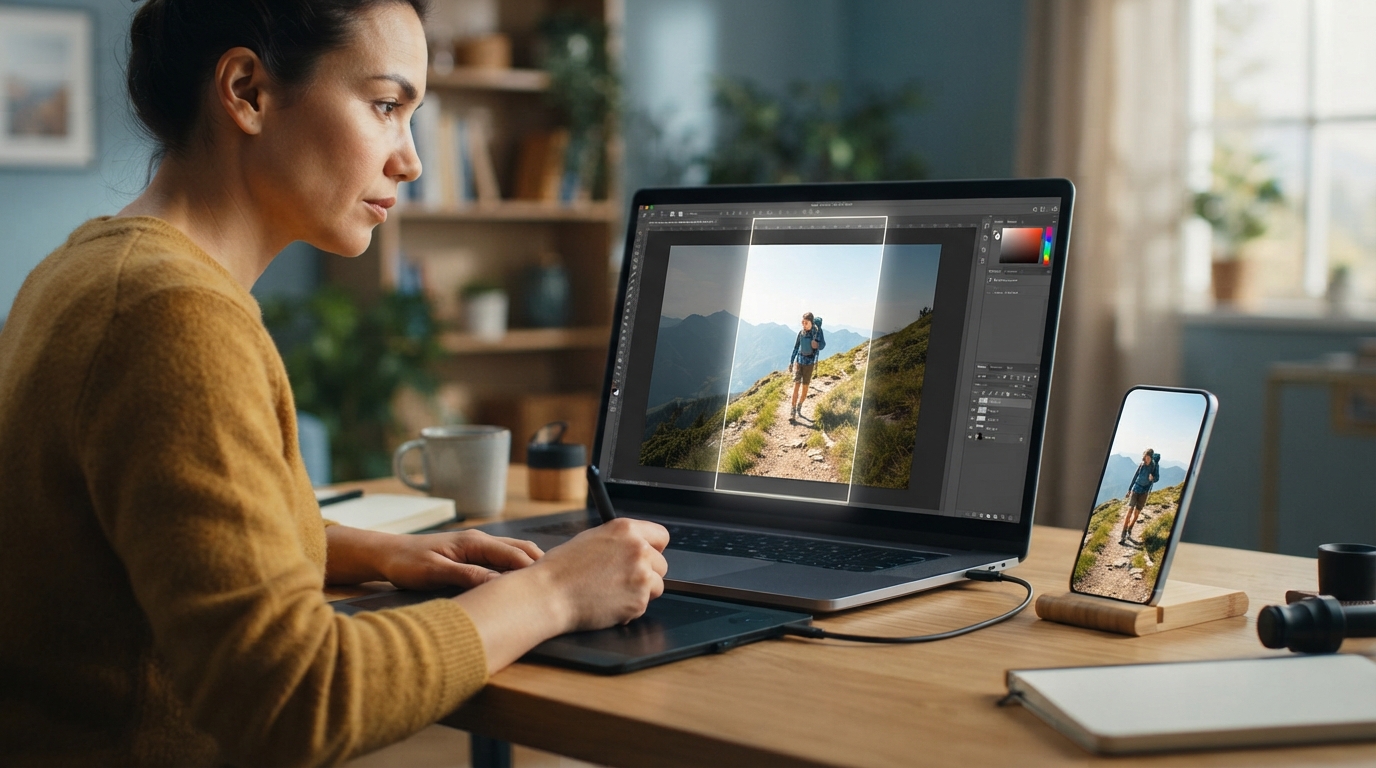
First inspect the exported image at a pixel-level zoom in an image viewer. Look around small letters, diagonal lines, hair and smooth skies for block patterns, colored fringes and banding. Browser zoom and high-density displays can complicate the meaning of 100 percent, so use the viewer's actual-size mode and compare both files at the same scale.
Next inspect the intended placement. A label can look clear when enlarged yet disappear in a narrow mobile card. If the thumbnail fails, simplify the composition or move essential information into the surrounding page text; raising export quality alone will not make tiny lettering readable.
Check transparency and color in context
A checkerboard preview can conceal a pale border around a cutout. Place transparent artwork over the actual page background and a contrasting color. If it will be delivered as JPEG, check the flattened background rather than expecting transparency to survive.
If color changes between applications, keep the original and investigate the color-profile handling in those applications. TheImageIs does not provide a professional ICC-profile conversion panel. Do not promise a color match across every display based on a single browser preview.
A useful banner acceptance exercise
Export two candidates from the same master at identical dimensions. Give them distinct filenames and write down their actual sizes. Compare the smallest text, the subject edge and one gradient. Choose the smaller candidate only if these required areas remain acceptable; there is no predetermined winning format or byte result.
Upload the selected copy to a draft page and inspect the rendered crop on desktop and phone. Check the link target, descriptive text and whether the page serves the new file rather than a cached older version. Keep the master and your acceptance notes so another export can be checked consistently.
Run a final check on one real banner
A guided exercise, not a benchmark. Inspect your own output; results depend on the source and settings.
- Record the destination dimensions, permitted format and byte limit.
- Export two versions from the same master with different quality settings.
- Inspect matching detail regions and write down each downloaded file's actual size.
- Preview the chosen image in its real page placement at desktop and phone widths.
The uploaded copy meets the stated requirements, preserves the necessary content and remains readable at its actual display size.
Sources & further reading
Try an idea and review your result before saving your edits.