A sharper perspective on images.
Practical guides, thoughtful ideas and clear explanations for your next creative project.
Ideas worth your time45

Why a Transparent Image Shows a Black or White Box
Test whether the problem is the viewer, the file or the destination, then export a background that behaves predictably.

Adapting One Master Image for Feeds, Covers and Thumbnails
Plan three crops from one source, calculate how much of the scene survives, and keep the subject readable in every output.

Resize Without Distortion: Choose Scaling, Cropping or Padding
Fit a landscape image into a square slot while keeping circles round and the subject intact, using explicit dimensions you can verify.

Find Where an Uploaded Image Became Blurry
Compare the original, your export and the delivered file to separate source blur, resizing, compression and display scaling.
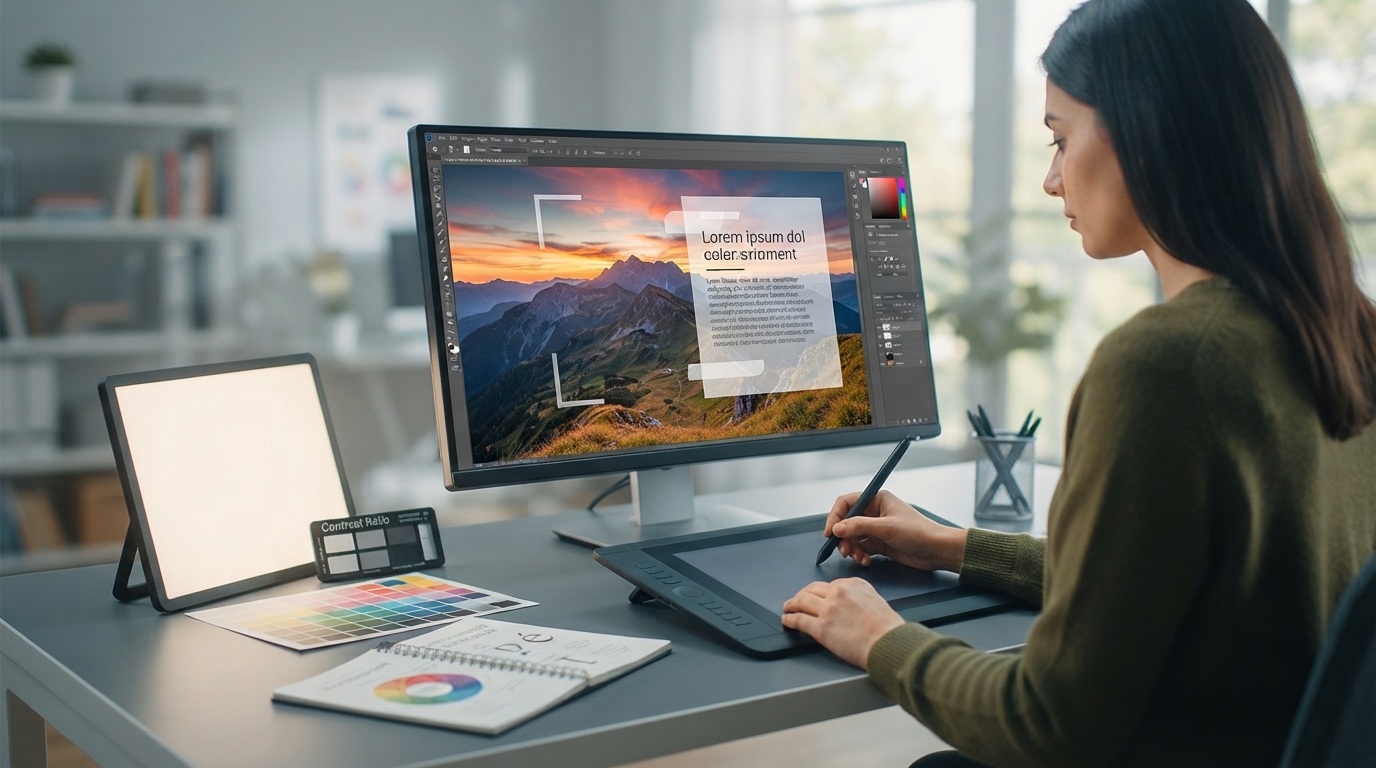
Designing Readable Text Overlays at the Size People Will See
Calculate how text shrinks with the image, use stable contrast and verify the downloaded graphic at its actual display width.
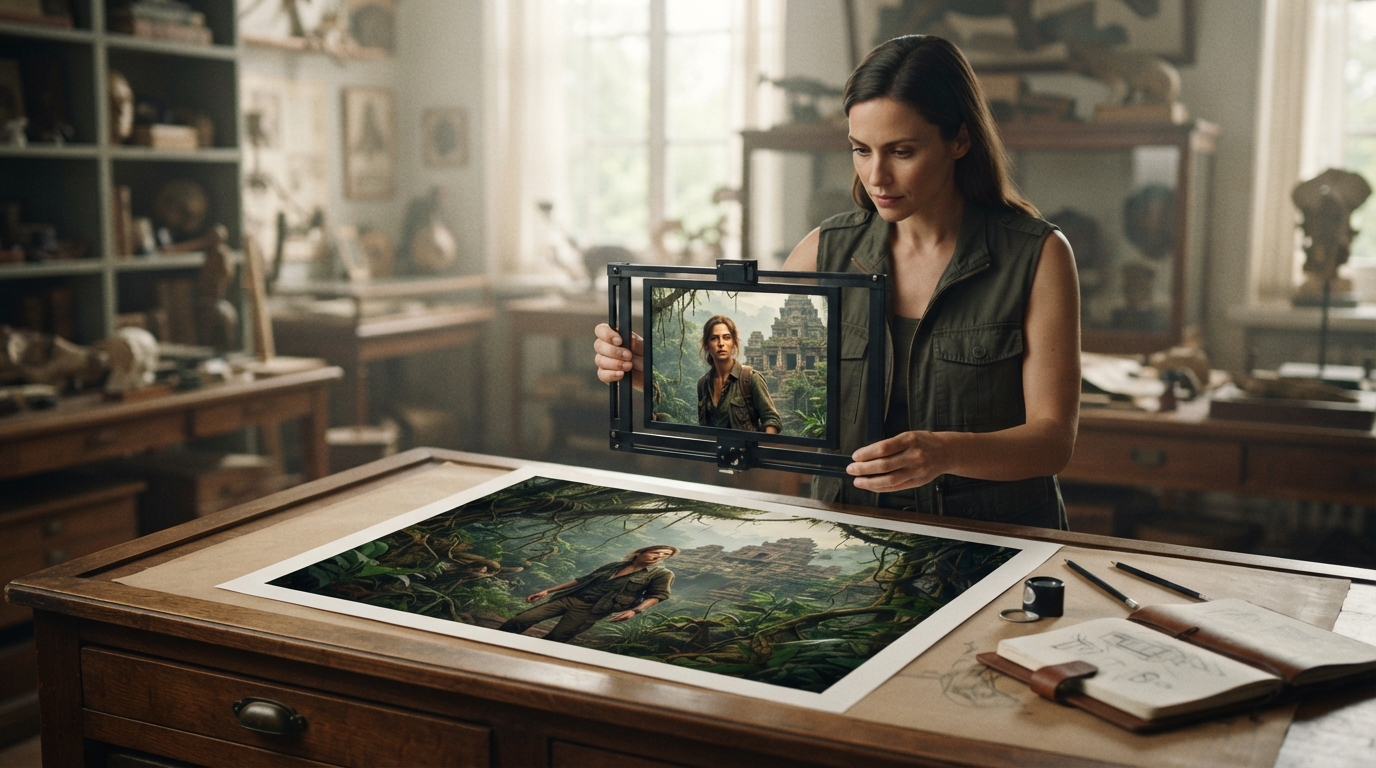
Crop for Stronger Composition Without Losing Important Context
Identify the subject, retain the details that explain the scene and check the surviving pixel dimensions before export.

JPEG, PNG or WebP: Choose a Format by Testing Your Content
Use transparency, edge detail, upload requirements and measured file size to choose an image format for a specific job.

Standardize a Product Catalog Without Distorting the Products
Set canvas and framing rules, try one tall and one wide item, then inspect the exported batch rather than assuming uniform settings fit all.

How to Meet a Strict Image Upload Limit Without Losing Required Detail
Use the exact byte limit, accepted format and minimum dimensions to choose a workable export, and check when a smaller file is no longer useful.