AI Upscaling and Resampling: What Enlargement Can Actually Tell You
Distinguish extra pixels from reliable detail, and compare an enlarged image without mistaking a sharper appearance for recovered facts.
Content updated:
Two different ways to make a larger image
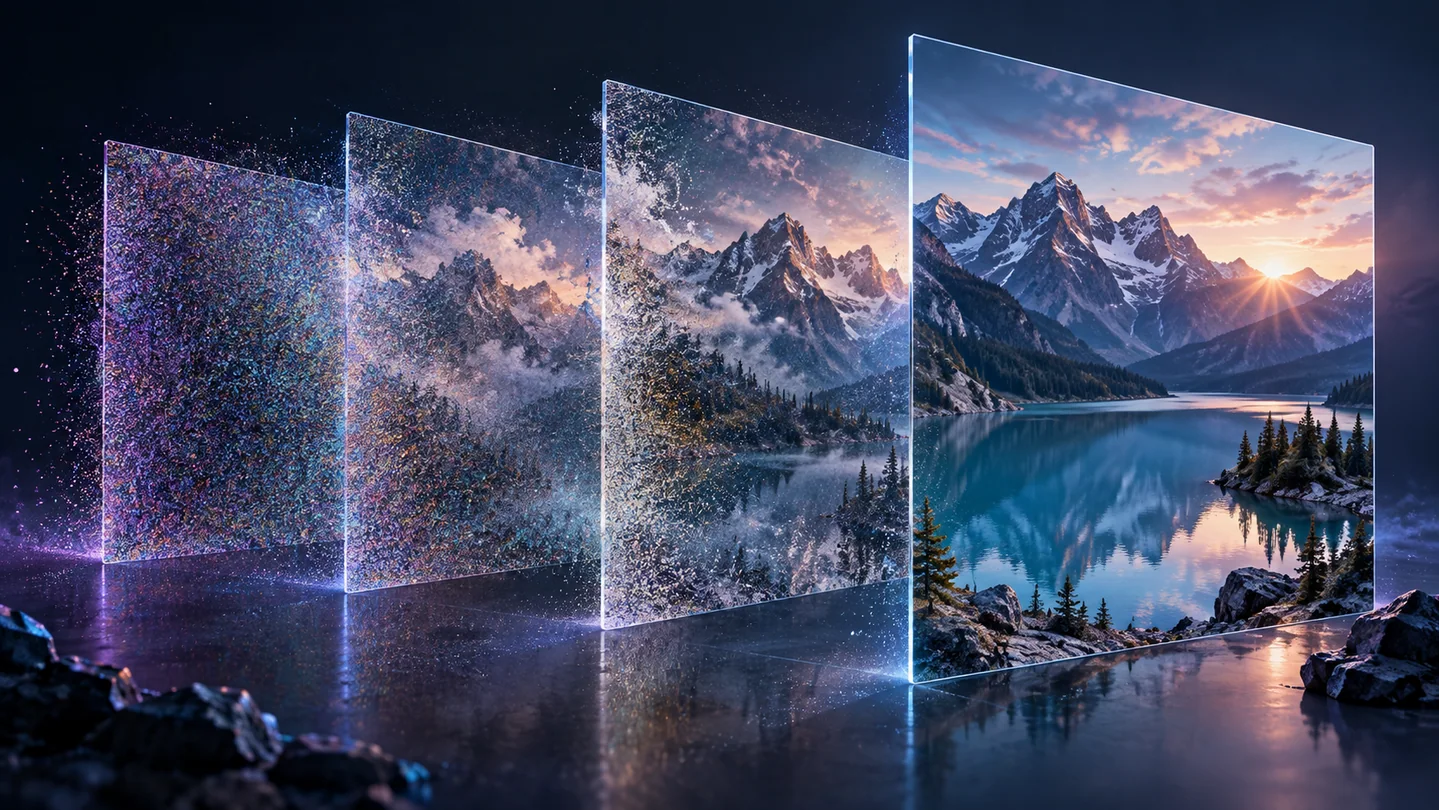
Resampling calculates a larger pixel grid from the source. AI enhancement can also use patterns learned from training images to estimate detail. Both can make an image more convenient to display, but a larger pixel count does not establish that previously unreadable information has been recovered accurately.
TheImageIs Upscale Image uses browser resampling with smoothing requested at high quality. It does not run an AI reconstruction model. A browser may implement smoothing differently from another editor, so compare the downloaded output rather than assuming a named algorithm or a fixed quality improvement.
Choose the purpose before the scale
For a decorative banner, slightly soft texture may be acceptable. For a product label, the exact printed characters matter more than an impression of sharpness. If the source cannot support the required label text, seek a better photograph or recreate verified text as a separate design element.
Consider a 600 × 400 source destined for a 1200 × 800 image slot. Doubling each dimension creates four times as many pixels. That is geometry, not a measurement of new information. Try the required size first; a 4× export adds storage and processing without guaranteeing a better result.
Compare information, not only sharpness
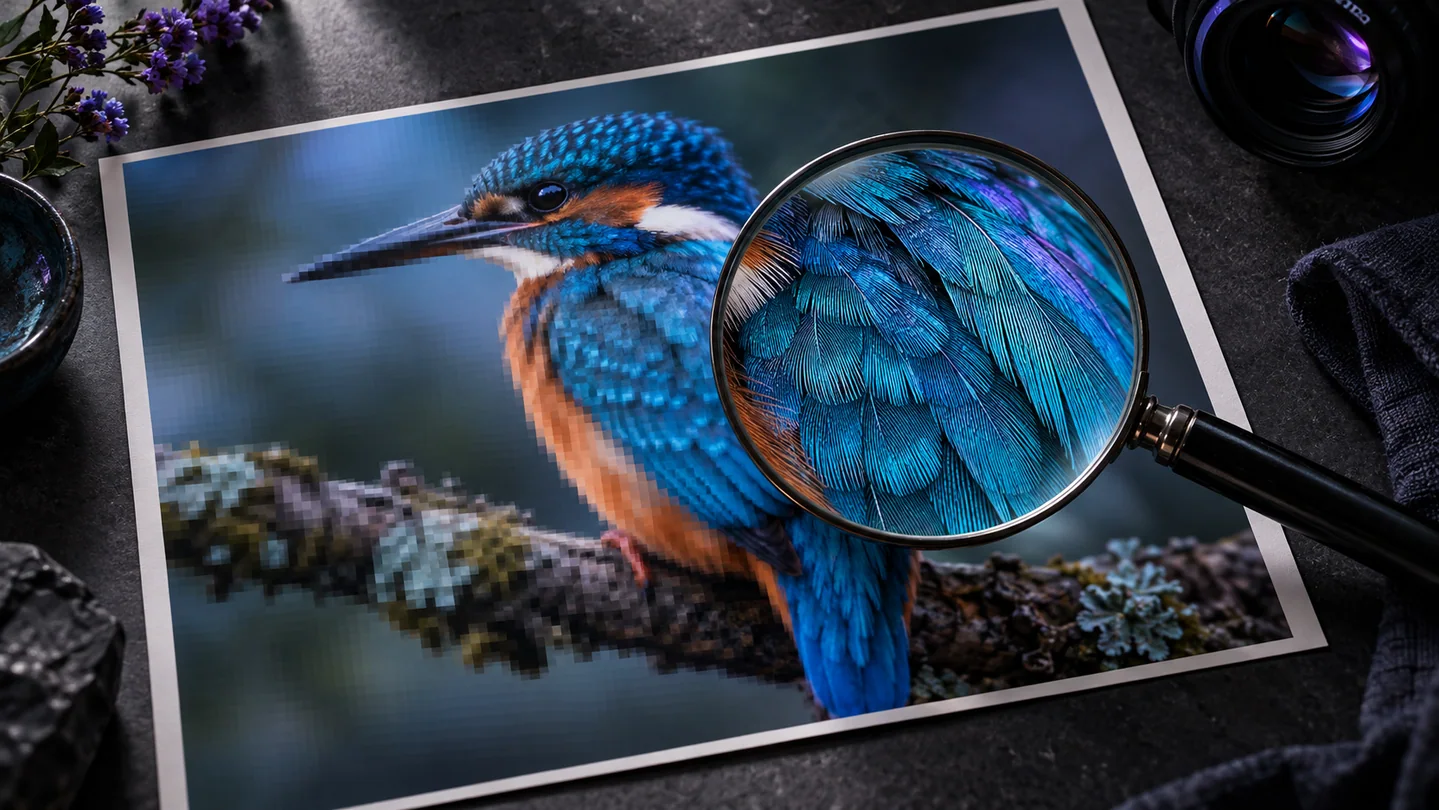
Keep the original beside the result and inspect known features: letter shapes, repeated fabric patterns, facial features and edges against a plain background. If a separately used AI enhancer changes the shape of a logo or invents a plausible character, reject that region even if it looks crisp.
Make one comparison at equal display sizes, then another at pixel level. Comparing a tiny original to a large output can exaggerate perceived improvement. Do not use a generated reading of a sign, number or face as confirmation of what was present in the source.
A controlled enlargement exercise
Choose a non-sensitive photo containing a clearly readable label and some texture. Save the original, create a 2× browser-resampled copy and record the actual output dimensions. Compare the label letter by letter and inspect whether diagonal edges look smoother or simply softer.
If you also have access to an AI enhancer, save its output separately with the tool and settings recorded. Mark any altered detail and choose the version that suits the intended display. This exercise measures your files; it does not claim that either method restores an unavailable original.
Compare a 2× enlargement with its source
A guided exercise, not a benchmark. Inspect your own output; results depend on the source and settings.
- Choose a source with readable text and a textured area, and retain an unchanged copy.
- Open Upscale Image and export at 2×.
- Check the downloaded dimensions and compare identical detail regions at equal display sizes.
- Reject any output that makes required content harder to interpret; use a better source when exact detail is missing.
The enlarged copy fits the intended placement without being described as proof of detail absent from the original.
Sources & further reading
Try an idea and review your result before saving your edits.