From Generated Concepts to Publishable Images: A Practical Handoff
Separate visual exploration from verified production, and keep generated concepts from changing the facts of the subject you are presenting.
Content updated:

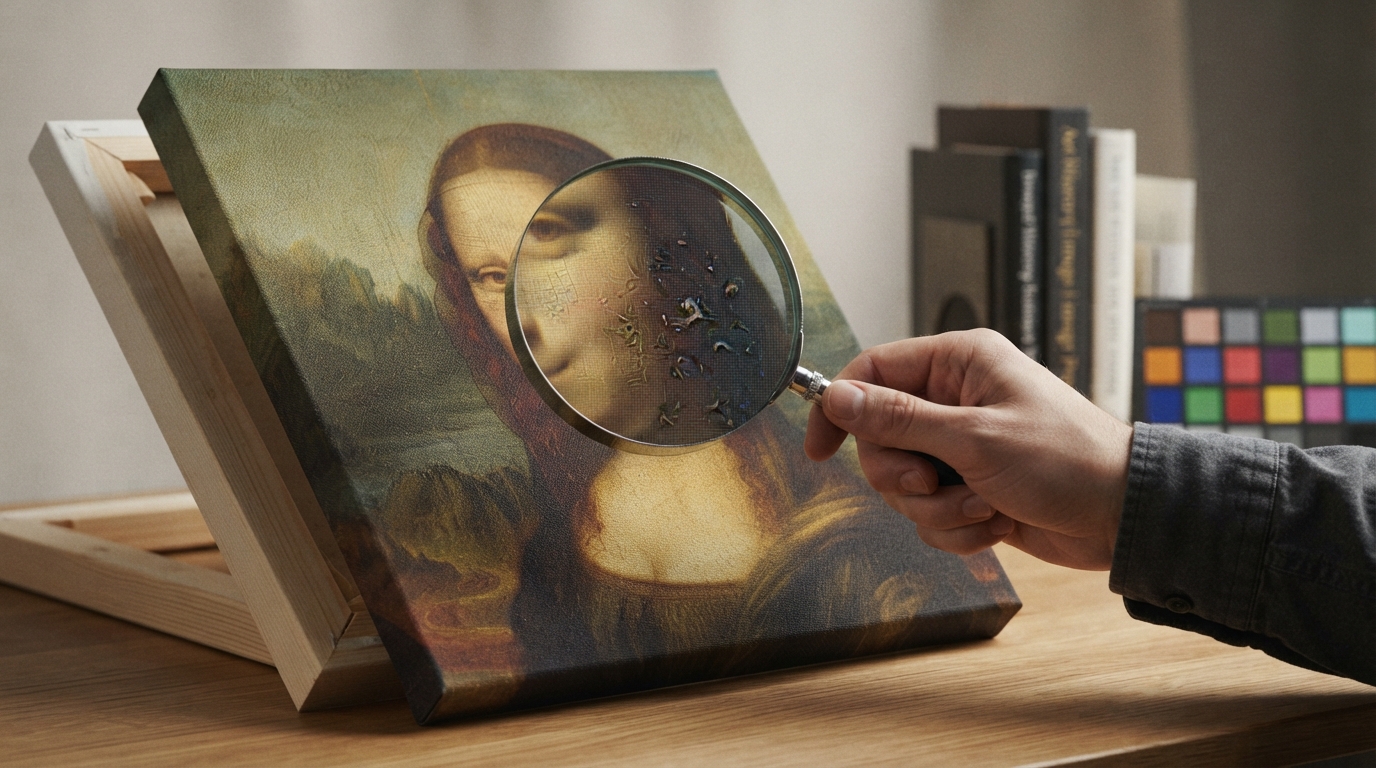
A useful concept is not yet a finished asset
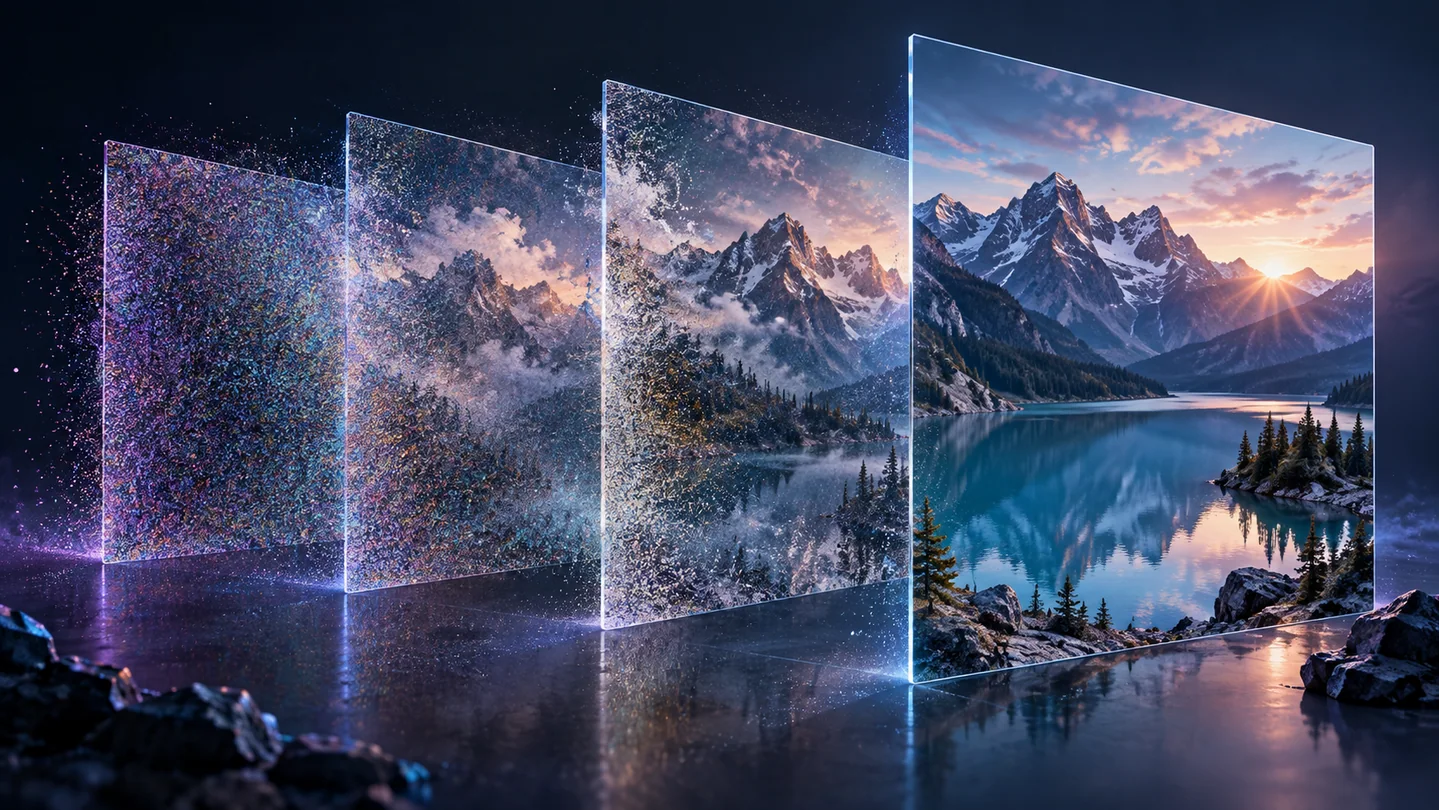
Generative tools can offer candidate scenes or styles from a brief, while ordinary editing works on an existing image. That makes generation useful for exploring a mood or composition, but a convincing result still needs to be checked against the job it is meant to do.
This article concerns the handoff from an external generator into image editing. TheImageIs does not currently offer a public text-to-image generation service. Its image tools can crop, resize, adjust and export an asset after you obtain it.
Separate what can vary from what must remain true
Consider a hypothetical shop planning a seasonal banner for a real ceramic mug. Background color and arrangement may be creative decisions; the mug's handle, glaze, capacity label and actual proportions are facts about the item being sold.
Use a verified product photograph when those details matter. A generated concept can guide the surrounding design, but do not substitute a newly invented product shape for the real item. Write a brief with two columns: flexible visual choices and details requiring comparison with a trusted source.
Make a handoff package
Keep the original generation or photograph, the brief, the provider and exposed settings, and the selected output. Record the intended use and any remaining uncertainty, such as a label that needs replacing with verified text. A screenshot of a preview is a poor substitute for the original export.
For revisions, change one aspect at a time and label the copies clearly. If an external generator does not expose a stable model version, record that limitation; identical prompts alone are not a promise that the same result can be recreated.
Finish and verify the delivery copy
Import the selected asset into Image Studio. Establish the crop and final dimensions, make restrained adjustments, then export to a format accepted by the destination. For a product image, compare the final subject with the verified photograph rather than only with the generated concept.
A useful final record contains the filename, dimensions, measured size, intended placement and unresolved checks. View the uploaded result in context before publishing. This creates a repeatable production handoff without pretending that a generated image, a visual check or an export tool certifies the truth of the scene.
Build a concept-to-delivery handoff
A guided exercise, not a benchmark. Inspect your own output; results depend on the source and settings.
- Choose a non-sensitive concept and write which details may vary and which must match a verified reference.
- Save the source file, prompt or brief, and available provider settings.
- Use Image Studio to prepare the selected copy for the required canvas and export format.
- Compare the result with the reference and record dimensions, bytes and any unresolved factual detail.
The delivery asset meets its technical requirements and does not silently change the subject's verified characteristics.
Sources & further reading
Try an idea and review your result before saving your edits.