Diffusion Models Explained: Why Similar Prompts Produce Different Pictures
Learn what noise, guidance and sampling settings do, and design a small comparison without treating generated images as factual evidence.
Content updated:
The basic denoising idea
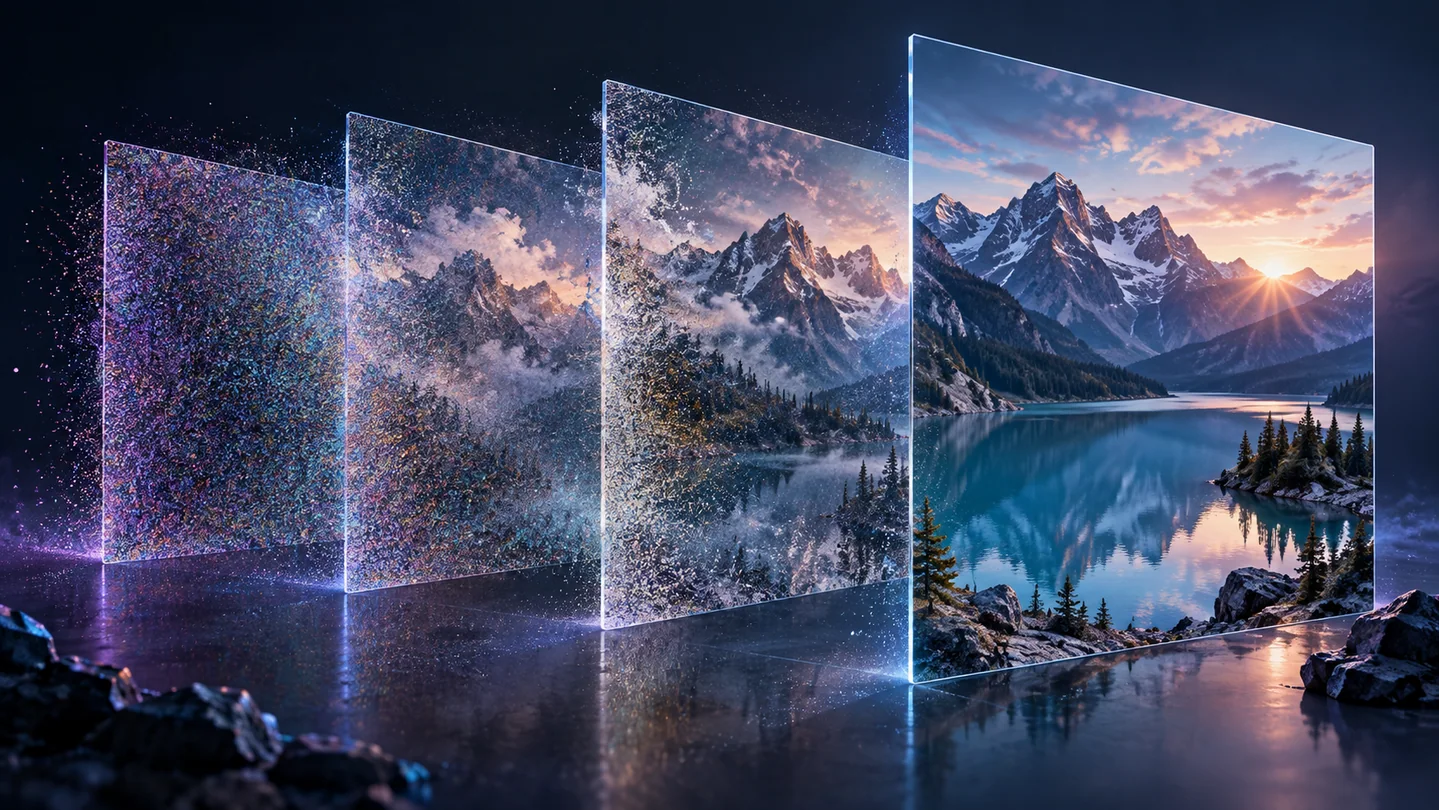
In a common diffusion pipeline, generation starts from noise and repeatedly estimates a less noisy representation. A scheduler controls the sequence of steps; a trained model supplies predictions. Some systems work in a compressed latent representation that is decoded into pixels at the end.
For text-conditioned generation, a text encoder turns the prompt into information that steers this process. This describes a useful class of image generators, not every generative architecture or a universal account of how all image software works.
Why a seed is only part of the recipe
The starting random state influences composition, but so do the model, scheduler, dimensions and guidance settings. Saving a seed alone is not enough to recreate an output after changing the model or software environment.
Hugging Face's reproducibility documentation cautions that identical results are not guaranteed even with the same seed. For a comparison, record the settings your tool actually exposes and retain the output files. A service that hides its model version may not offer a fully reproducible workflow.
Design a small experiment with one question
A useful question is whether adding a lighting direction improves a particular brief. With an external generator that you are permitted to use, first request an illustrative ceramic bowl on a plain background. Then change only the lighting instruction, keeping the other available settings fixed.
Compare where the shadow falls, whether the rim remains consistent and whether the background stayed plain. Do not invent a success percentage from two examples. If both the object and camera angle change, note that the lighting comparison was confounded rather than declaring one prompt universally better.
Keep generation separate from finishing
TheImageIs currently provides editing and conversion tools, not a public text-to-image generator. After obtaining an image elsewhere, you can use this site's crop or resize tools to prepare a copy for a page. These finishing operations do not validate the generated scene.
Check objects, text and any claim the image appears to make. A plausible scene may contain invented details or resemble existing material. Preserve the prompt and source output, and do not present an illustrative generated image as a photograph of an event merely because it looks realistic.
Record and finish one external generation comparison
A guided exercise, not a benchmark. Inspect your own output; results depend on the source and settings.
- In an external generator, save two outputs that differ in one stated prompt variable.
- Record the exposed model and settings alongside the files, and note any unavailable settings.
- Compare the requested change and list unrelated details that also changed.
- Open the selected image in Crop Image and prepare a copy for the intended placement.
Your notes distinguish observed changes in these examples from a general claim about model reliability or factual accuracy.
Sources & further reading
Try an idea and review your result before saving your edits.