Copyright Questions Around AI Images: Build a Rights Record Before Publishing
Separate authorship, source permissions and provider terms, then document what is known and unresolved for each visual.
Content updated:
Ask three separate questions
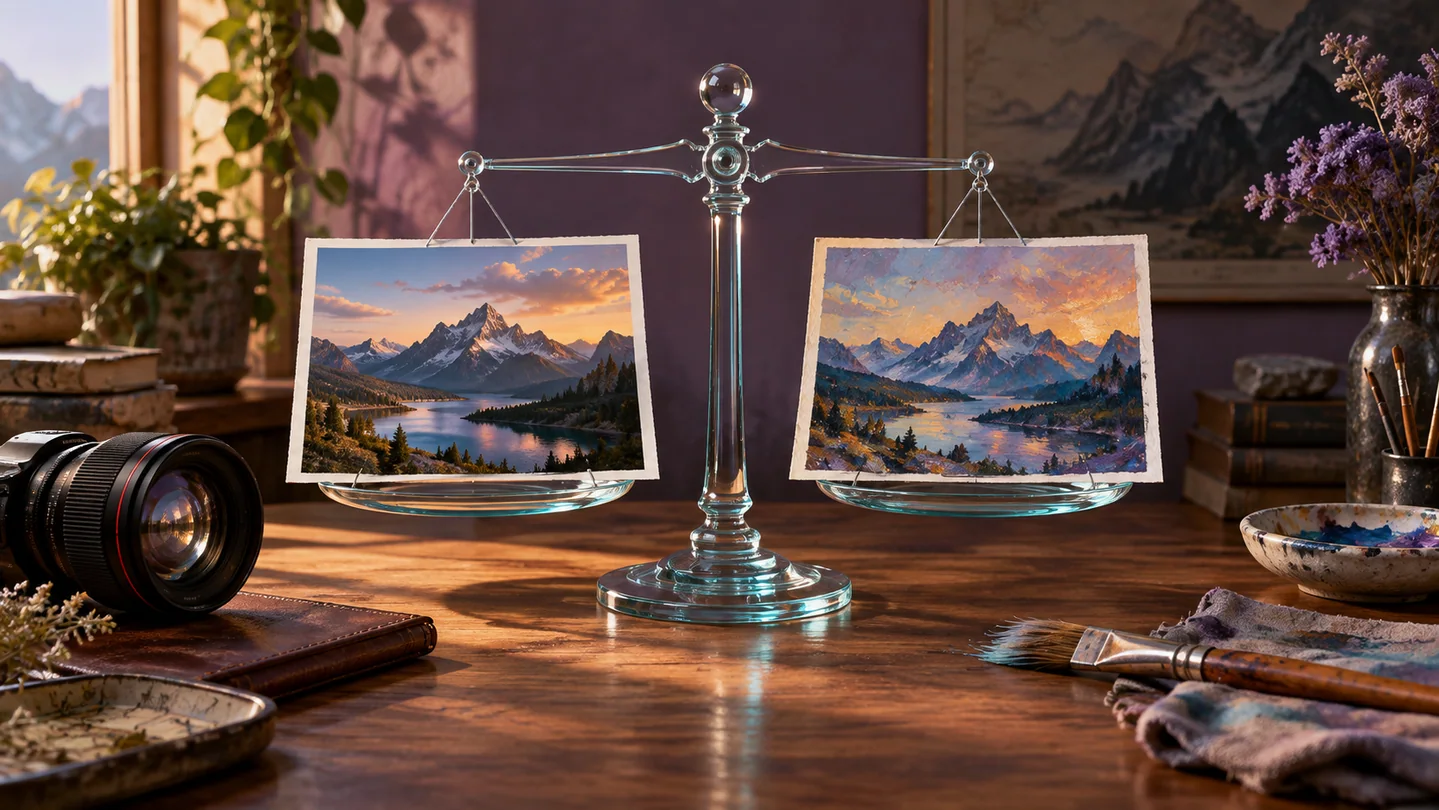
Before publishing an AI-assisted image, distinguish who may own protectable expression, whether you have permission to use the source material, and whether the use complies with the tool provider's terms. An answer to one question does not settle the other two.
A provider allowing commercial use does not itself prove that every reference asset, logo or recognizable person in an output is cleared. Keep the applicable terms with the project and identify the jurisdiction and intended use when seeking legal advice. This article is a practical record-keeping workflow, not a legal clearance.
Use a specific legal source with its limits
The U.S. Copyright Office's January 2025 report explains that sufficient human-authored expression can be protected in a work involving AI, while prompts alone do not establish authorship of machine-determined expression. That guidance is about U.S. copyrightability; it is not a worldwide rule or a guarantee for a particular image.
Record which parts you created, selected, arranged or modified. Preserve those source files and edits. Avoid labeling an entire composite exclusively yours merely because you entered the prompt, and obtain qualified advice for registration or disputed ownership.
Make an asset register for a small campaign
Consider an illustrative campaign combining your product photograph, a licensed texture and a generated decorative background. Create one row for each component: filename, origin, permission or license, allowed use, required credit and evidence location. Mark unanswered fields as unresolved rather than filling them with assumptions.
Record the generation tool and date, relevant prompts and the editing steps that produced the final composition. TheImageIs can help resize, annotate and export assets; it is not an image-generation or rights-clearance service. Tool use does not replace permission to use the uploaded material.
Review resemblance and representation
Inspect for unintended logos, recognizable characters, text and representations of real people. A reverse-image search can reveal a concerning resemblance, but an empty result cannot certify originality. A change of color or a crop does not automatically resolve a rights issue.
When a specific component is uncertain, replace it with an asset whose permitted use you can document, or pause that component for qualified review. Describe artistic goals through composition, materials and lighting rather than assuming a named reference grants permission.
Keep an export trail
Keep the original inputs, working composition and final export in separate folders. Link the final filename to its asset-register rows so a colleague can trace the picture without reconstructing the whole project.
If a platform requires a disclosure or credit, put it where viewers can read it. A watermark is a visible label, not proof of ownership and not a substitute for a required attribution. Recheck terms when the project changes from a private draft to an advertisement or another materially different use.
Create a three-component rights register
A guided exercise, not a benchmark. Inspect your own output; results depend on the source and settings.
- Choose a draft using your own photo, a documented licensed element and any AI-assisted component.
- Record each source, applicable terms, permissions and required credit beside its filename.
- Use a review copy to mark any logo, person or other element whose permission is unresolved.
- Export only after the record identifies the chosen sources and any required disclosure.
Another person should be able to trace every component to its evidence. This checklist documents your review; it does not certify legal permission.
Sources & further reading
Try an idea and review your result before saving your edits.