Prompting for Consistent Images: Build a Brief You Can Check
Separate fixed art direction from variable content, record what the generator exposes and judge consistency with a visible checklist.
Content updated:
Define consistency in observable terms
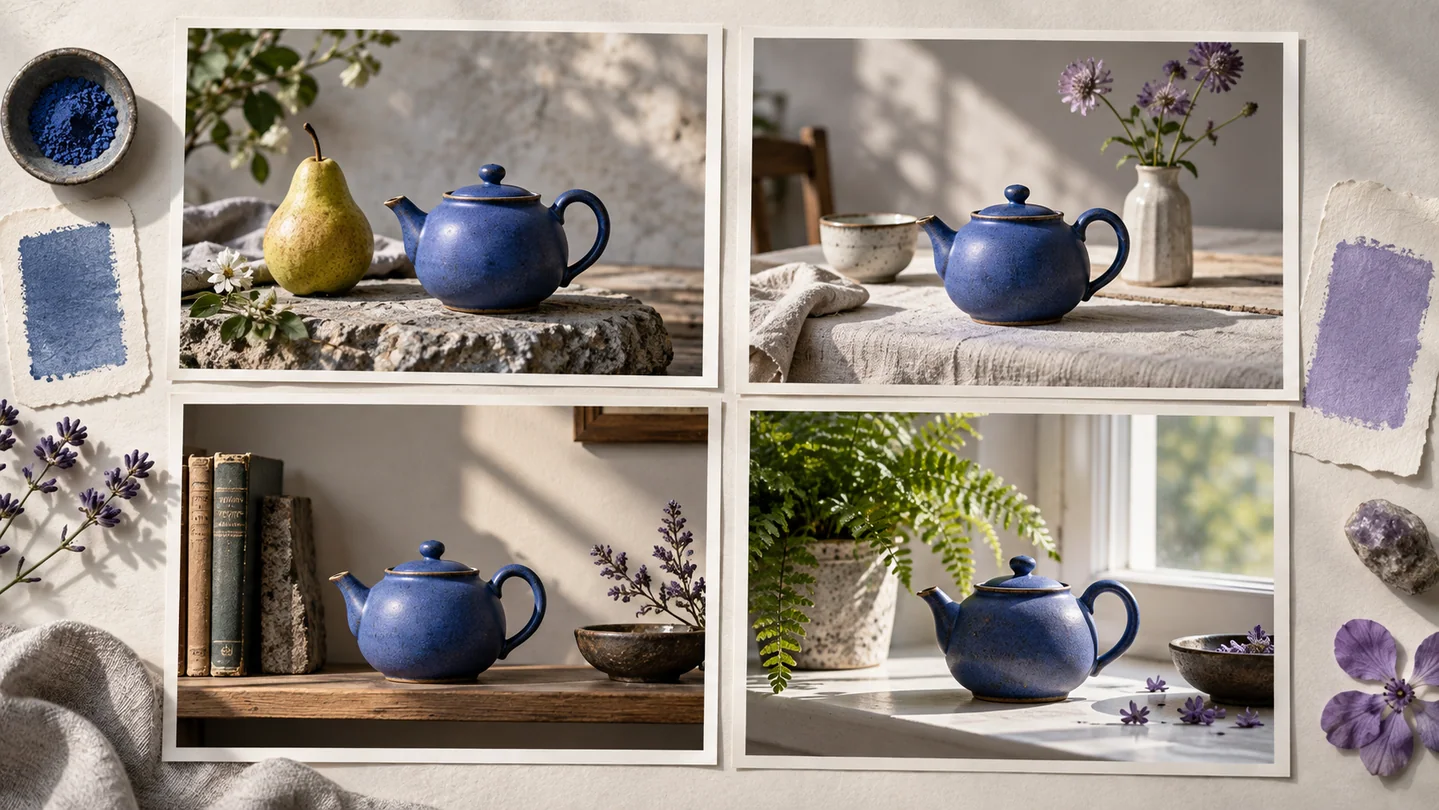
Consistent can mean the same canvas ratio, background color, camera viewpoint, light direction or subject identity. These are different requirements. A set can share a palette while quietly changing a product's shape, so decide which features must remain constant before generating anything.
For a hypothetical set of educational illustrations, a useful checklist might specify a plain light background, one object, a front view and empty space on the right for a later label. This can be checked directly; adjectives such as beautiful or professional cannot.
Separate the stable brief from the variable subject
Use a stable block such as: 'Simple flat illustration, front view, plain light background, object on the left, open space on the right, no lettering.' Then change a short subject block: 'a watering can' or 'a garden trowel'. This is an exercise prompt, not a guarantee that every model will follow it.
Keep essential exclusions short and inspect the result for them. If the tool offers references, use only images you are permitted to provide and verify what the reference changed. Similarity to a reference is something to assess, not an automatic promise of identity preservation.
Change one variable and retain the evidence
First compare composition before adjusting small decorative details. If an object appears too large, change the framing instruction while keeping other available settings stable. Save both outputs and note whether the background, viewpoint or palette also shifted.
Record the provider, exposed model/version, prompt, dimensions and any seed or other settings. Identical seeds do not guarantee identical results across software or hardware environments, and some services expose no seed at all. Your saved approved files are more dependable than expecting a future prompt to recreate them exactly.
Finish a set with a common delivery recipe
TheImageIs does not currently provide public image generation. Once external outputs are ready, use Image Studio to apply a common canvas, crop or padding and export settings. A consistent delivery recipe can standardize dimensions and backgrounds without proving that the depicted subjects are accurate.
Review the set side by side, including a small-size view. Check margins, subject scale, clipped parts and unintended lettering. If a real product or identifiable subject must match a trusted reference, compare those details separately; cosmetic consistency is not factual consistency.
Create a repeatable visual brief and finishing pass
A guided exercise, not a benchmark. Inspect your own output; results depend on the source and settings.
- Write three fixed visual requirements and one variable subject field.
- In an external generator, create two candidates while recording the available settings.
- Mark which requirements each candidate meets; change one instruction if needed.
- Use Image Studio to prepare matching canvas dimensions and compare the finished set side by side.
The set meets named visual requirements, with any identity or factual mismatches recorded rather than hidden by a uniform style.
Sources & further reading
Try an idea and review your result before saving your edits.