Can We Reliably Detect AI-Generated Images? A Verification Workflow
Use source context, comparison and provenance together, and record uncertainty instead of treating a detector score as a verdict.
Content updated:
Investigate the claim before the pixels
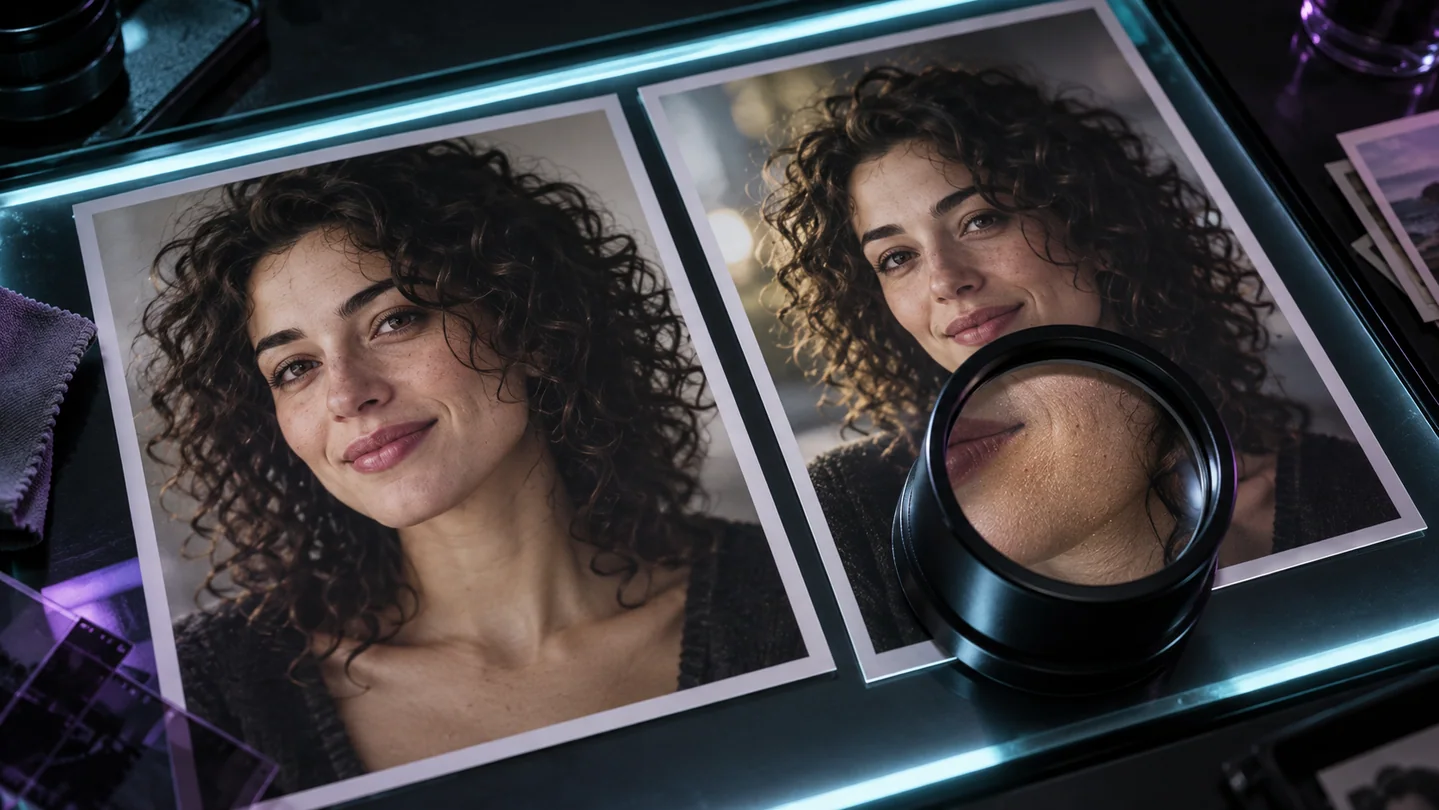
Begin with what the image is claimed to show, who published it and when it first appeared. Save the source link and the original file where lawfully available. A genuine photograph can be misleading because of a false date or caption, while a clearly labeled synthetic illustration may make no factual claim.
Look for earlier versions and independent information about the event or object. A visual irregularity can guide a question, but it does not by itself prove that an image was generated. Focus on evidence you can explain and reproduce.
Treat visual clues as leads
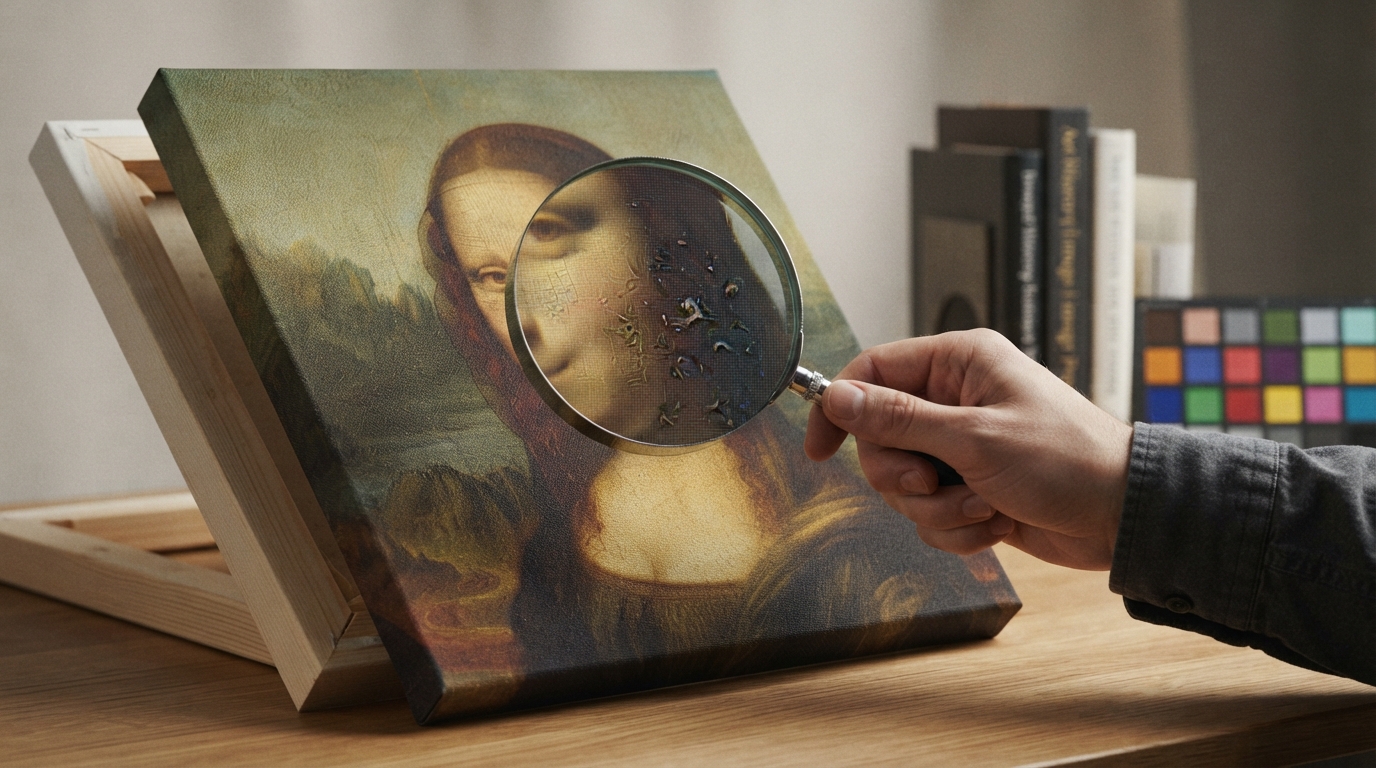
Inspect labels, repeated structures, reflections and boundaries at a useful scale. Record a specific observation such as 'the sign contains inconsistent characters,' rather than jumping to 'this image is fake.' Compression, motion and ordinary editing can also affect fine details.
Keep an untouched copy. Enlargement can help you inspect a region, but it may also soften or alter the appearance of edges. TheImageIs enlargement tool uses resampling and is not a synthetic-image detector or a method for recovering hidden evidence.
Understand what a detector result can support
Research on detecting diffusion-generated images examines how detector behavior changes with generators and transformations such as resizing and compression. A tool evaluated on one collection of images may not behave the same way on a new source.
If you use an external detector, record its name, date, input file and stated score meaning. An output labeled 90% is not automatically a calibrated 90% probability that this particular image is synthetic. Do not turn a single result into a public accusation or a definitive finding.
Read provenance with the right limits
C2PA Content Credentials can associate a file with a signed history or assertions. Inspect what the record actually says and whether validation succeeds. A signature helps establish the integrity of that record; it does not prove that the scene is truthful or the caption accurate.
An image without credentials is not thereby proven fake. Provenance may never have been added, or may have been lost during editing or distribution. Keep 'no credential found' separate from 'credential invalid' and from any conclusion about the depicted event.
Make a bounded conclusion
Build a small evidence table with the source claim, observation, supporting link and unresolved question. Possible conclusions include corroborated source, confirmed edit, or insufficient evidence. An unresolved result is more useful than a confident guess that the evidence cannot support.
If the only remaining uncertainty concerns a small region, create an annotated review copy to show exactly where it is. Keep that copy separate from the original. The annotation communicates your question; it is not proof of manipulation.
Document one image claim without guessing
A guided exercise, not a benchmark. Inspect your own output; results depend on the source and settings.
- Choose a publicly shared, non-sensitive image and record its original link and stated claim.
- Inspect a copy and note specific visible irregularities without assigning an origin.
- Check available source history or provenance, recording what is present and what is absent.
- Create an annotated review copy and write a conclusion that separates observations from unresolved questions.
Every conclusion should point to identifiable evidence. 'Insufficient evidence' is a valid outcome; neither visual inspection nor a single detector score proves origin.
Sources & further reading
Try an idea and review your result before saving your edits.